Here's how to respond to positive reviews: thank the customer by name and mention one specific thing they liked. Then add a short personal touch, like a detail about their visit or a team member's thanks. Keep it to two or three sentences. Don't paste the same reply everywhere, and don't turn it into an ad.
ReviewUsToday sends happy customers to Google and 30 other review sites for local businesses. The reviews it helps bring in are the ones you'll be replying to. This guide is the positive-review companion to our full guide on how to respond to Google reviews.
Responding to positive reviews: examples by situation
The best reply depends on what the customer wrote. A detailed five-star story deserves a detailed thank-you. A star rating with no text needs one warm line. Here are examples for the situations you'll see most, ready to adapt with your own names and details.
| Situation | Sample reply |
|---|---|
| 5 stars, no text | "Thanks so much for the five stars, Dana. We're glad you had a good visit and hope to see you again soon." |
| Praises a team member | "Thank you, Luis! I've passed this on to Kim, and we're so glad she took such good care of you." |
| Mentions a specific product or dish | "So glad you loved the brisket, Priya. It smokes for 14 hours, so your review made the whole kitchen's day." |
| First-time customer | "Welcome, and thank you for giving us a try, Sam. We're glad the first visit went well and hope it's the first of many." |
| Loyal, repeat customer | "Ten years of oil changes, Mr. Ortiz! Thank you for trusting us with your cars all this time, and for taking a minute to say so." |
| Emergency or stressful job | "Thank you, Erin. A burst pipe on a Sunday is no fun, and we're glad we could get it fixed quickly for you." |
| 4 stars with a small complaint | "Thanks for the kind words, Jo, and for the honest note about the wait. We've added a second person at the front desk on Saturdays." |
| Long, detailed review | "Wow, thank you for writing all of this, Grace. Hearing that the new layout worked for your family means a lot to our whole team." |
Notice what's missing: no "We strive for excellence," no coupon code and no link to the website. Each reply sounds like a person who read the review. That's the whole trick.
How do you respond to a positive review?
Use a simple four-part reply. Thank the customer by name, mention one detail from their review, add a personal touch and close warmly. Two to four sentences is plenty. Reply soon after the review is posted, and write each reply fresh rather than pasting a template.
- Thank them by name. "Thanks, Maria" beats "Dear valued customer" every time.
- Mention something specific. Repeat one detail from their review, like the dish, the technician or the fast turnaround.
- Add a personal touch. Pass on thanks from the team member they named, or share a detail that adds to their story.
- Close warmly. A simple "Hope to see you again soon" works. Sign with your name or initials if you're the owner.
That lines up with Google's own advice. Its tips to write better review replies say to "Keep it short and simple." They warn that "If a reply is too long, people might stop reading before they get to the main point."
Google's tips also suggest a personal sign-off with "your name or initials." It's a small thing. It's also the difference between a reply from a business and a reply from a person.
What are good 5-star review responses?
A good 5-star review response is short, specific and personal. Thank the reviewer by name, echo one detail they mentioned, and add something only your business could say. If the review has no text, one or two warm sentences are enough. Avoid generic lines that could sit under any review.
| Instead of this | Try this |
|---|---|
| "Thank you for your review!" | "Thanks, Tom! Glad the new brakes feel right." |
| "We appreciate your business." | "We appreciate you choosing a small shop like ours, Lena." |
| "We strive to provide excellent service." | "Sara will be thrilled you noticed how carefully she cleaned up." |
| "Come back soon for 10% off!" | "See you at the spring tune-up, Mike." |
Here are a few more 5-star review responses for common local businesses:
- Dental office: "Thank you, Ana. We know the dentist isn't anyone's favorite errand, so we're glad the cleaning was quick and painless."
- Restaurant: "Thanks for celebrating your anniversary with us, Chris and Jamie. Happy anniversary from the whole kitchen!"
- Home services: "Thank you, Mark. Glad the new water heater is running well, and that the crew left the garage cleaner than they found it."
- Salon: "Thanks, Bella! Your new color looks amazing, and Jess says hi."
If I ran a busy cafe, I'd keep a list of team members' names next to the register. Half the best replies are just "Jordan will be so happy to hear that," which beats any template ever written.
How do you reply to a Google review?
Go to your Business Profile, select Read reviews, then select Reply next to the review. Type your reply and select Reply again. Your business must be verified first. Google checks each reply against its content policies, and the reviewer is notified once it posts.
The steps from Google Business Profile Help:
- Go to your Business Profile.
- Select Read reviews.
- Next to the review you want to reply to, select Reply.
- In the dialog box, enter your reply.
- Select Reply.
| What happens after you reply | What Google's help page says |
|---|---|
| Google checks it | Replies "usually take up to 10 minutes to review, but sometimes a review can take up to 30 days" |
| It's posted publicly | It appears under the review as your business, and "your personal name won't be shown" |
| The customer hears about it | "The person who wrote the review is notified when you reply" |
| You change your mind | Select Edit under your reply to change it, or Delete to remove it |
Source: Google Business Profile Help, "Read and reply to reviews," checked 12 October 2026.
For more Google review response examples, including negative and mixed reviews, see our guide on how to respond to Google reviews.
Should you respond to every positive review?
Reply to as many as you can, but a thoughtful reply matters more than a complete set. Google's own tips say to avoid sending the same "thank you" to everyone. It suggests focusing on reviews where you can share a helpful update or answer a question. Customers notice when every reply is identical.
Customers do expect replies. In BrightLocal's Local Consumer Review Survey 2026, 89% of consumers said they expect owners to respond to reviews. Here's how the numbers stack up:
| What consumers said | Share |
|---|---|
| Expect business owners to respond to reviews | 89% |
| Expect a response within a week | 81% |
| More likely to write about positive experiences (vs 29% for negative) | 60% |
Source: BrightLocal Local Consumer Review Survey 2026.
That last row is the good news hiding in plain sight: most of the reviews you'll ever reply to are nice ones. My rule would be simple. Every review with text gets a personal reply, and star-only reviews get a short, warm one when you have a minute. Nobody's grading you on a 100% reply rate, except possibly the part of your brain that also alphabetizes the spice rack.
What should you avoid when replying to positive reviews?
Avoid copy-paste replies, sales pitches and anything private. Google's tips say to be "conversational, not promotional" and to avoid offering deals in replies. Never confirm details a customer didn't share, like what treatment they had. And never offer anything in exchange for the review, which breaks Google's policy.
| Avoid | Why |
|---|---|
| The same reply under every review | Google suggests replies that share an update or answer a question, not one "thank you" for all |
| Discounts, deals or promo codes | Google's tips say to "avoid using your response to offer deals or promotions" |
| Private details about the customer | Google's tips say never to share a reviewer's private information |
| Thanking them with a freebie for the review | Google's policy bars incentives such as "discounts, free goods and/or services" for reviews |
| Long paragraphs | Google says people "might stop reading before they get to the main point" |
Sources: Google Business Profile Help: tips to write better review replies and Google Maps user-generated content policy, checked 12 October 2026.
The privacy point matters most for dentists, clinics and anyone in healthcare. A patient can say what they had done. Your reply shouldn't repeat it. Our guide to healthcare reputation management covers that in more detail.
How fast should you reply to a positive review?
Within a few days is a good habit, and within a week at the latest. BrightLocal's 2026 survey found 81% of consumers expect a response within a week. Google's tips say a prompt response "shows that you value your customers' feedback." A reply is also a nice surprise, since the reviewer is notified when it posts.
The easiest way to keep up is a fixed slot. Ten minutes on Monday and Thursday mornings covers most small businesses. Coffee optional, though strongly encouraged.
A quick reply also helps if a customer later has a question. They've already seen that someone reads the reviews. That matters more on the day something goes wrong, which is when our guide on how to respond to negative reviews comes in handy.
How many positive reviews will you have to reply to?
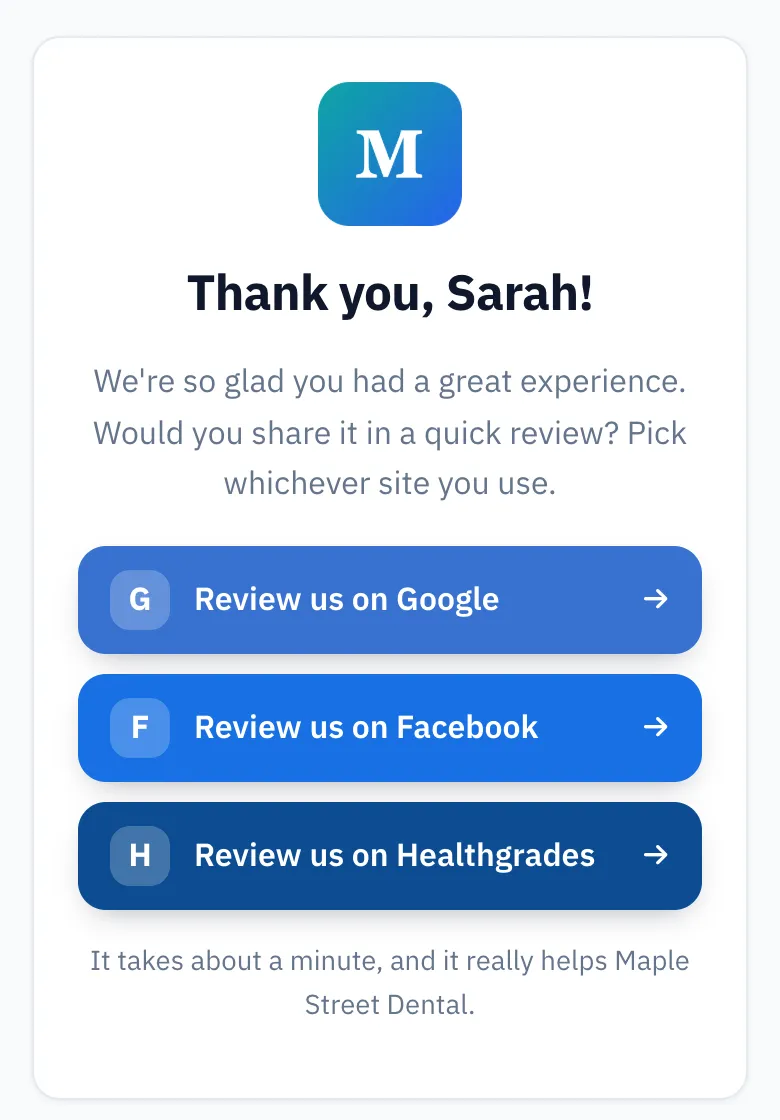
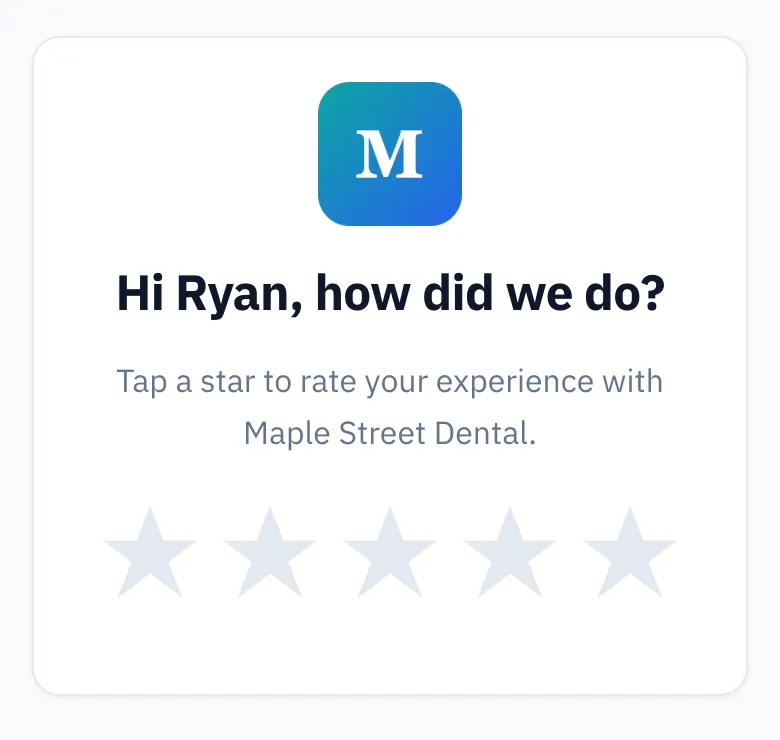
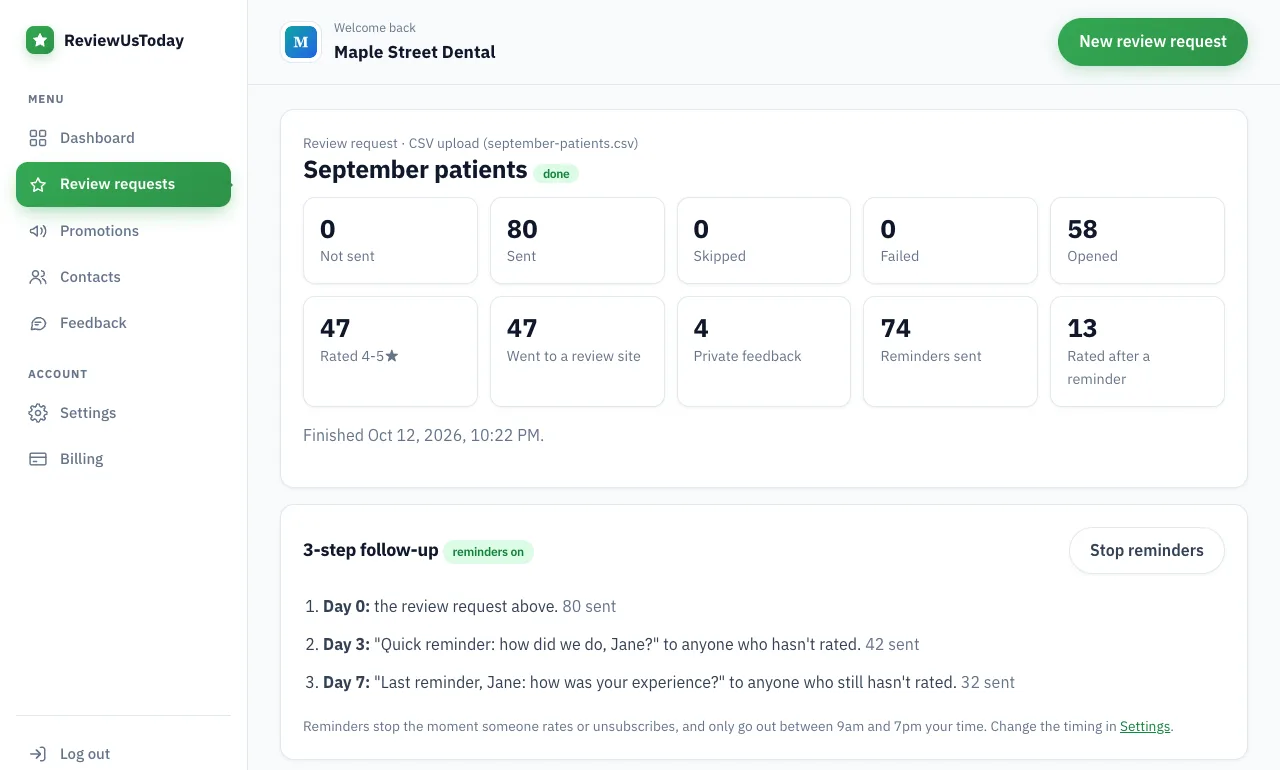
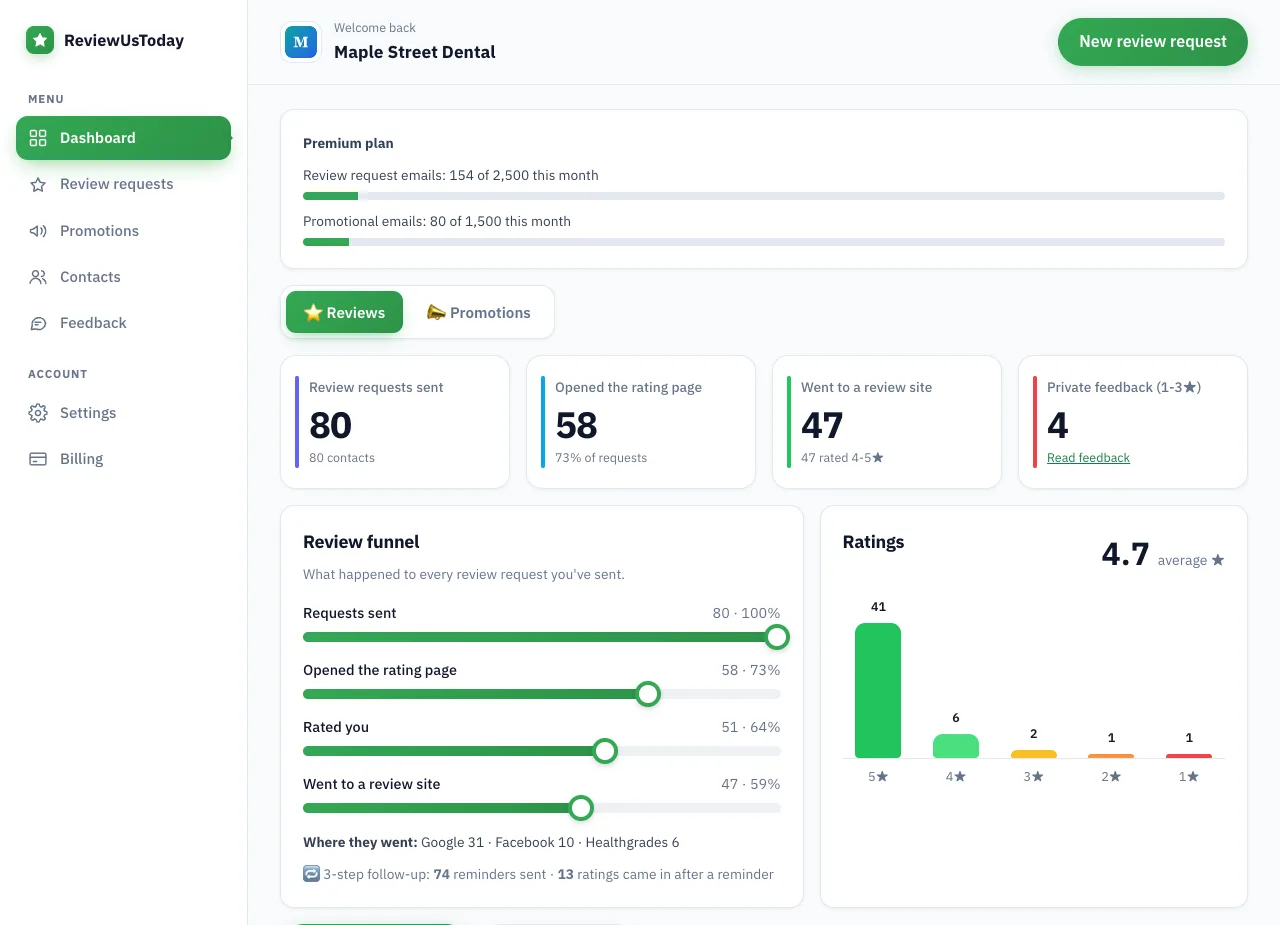
It depends on how often you ask. We ran a demo account, "Maple Street Dental," through ReviewUsToday with 80 sample customers. It's a demo with sample data, not a real business's results, but it shows where the replies would land.
| Step | Demo result |
|---|---|
| Review requests sent | 80 |
| Rated the practice | 51, with a 4.7 average |
| Rated 4-5 stars and went to a review site | 47: Google 31, Facebook 10, Healthgrades 6 |
| Ratings that came in after a reminder | 13 |
The dashboard shows which site each happy customer chose, so you know where to look for new reviews to reply to. ReviewUsToday doesn't reply for you or pull reviews in from Google. That part's still yours, which is how it should be.
Where ReviewUsToday fits
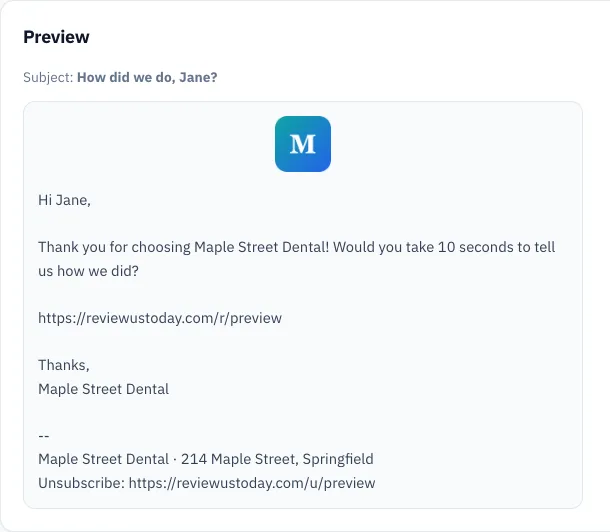
ReviewUsToday handles the asking. Every customer gets a one-tap rating email and two automatic reminders, and anyone who rates 4 or 5 stars picks a review site. It doesn't write or post review replies, and it doesn't monitor Google. See how review request software works, with plans from $50 a month and no contract.
Frequently asked questions
What do you say in response to a positive review?
Thank the customer by name, mention one specific thing they liked, and close warmly. Two or three sentences is enough, and a personal sign-off with your name or initials makes it feel human.
Should I respond to 5-star reviews with no text?
Yes, when you have time. A short, warm line like "Thanks for the five stars, we hope to see you again soon" is enough.
Can I offer a discount in my reply to a review?
Google's reply tips say to avoid using your response to offer deals or promotions. Offering anything in exchange for a review also breaks Google's policy against incentives.
Can I edit or delete my reply to a Google review?
Yes. Go to your Business Profile, select Read reviews, and select Edit under your reply to change it, or Delete to remove it.
Does the customer see my reply?
Yes. Google's help page says the person who wrote the review is notified when you reply, and approved replies are posted publicly under the review.
Sources
Keep reading
How to respond to Google reviews
How to respond to Google reviews: the exact steps in your Business Profile, what to say, and copy-paste templates for 5-star, 4-star and mixed reviews.
How to respond to negative reviews
How to respond to negative reviews: a calm 5-step method, 8 templates for slow service, wrong orders, pricing, rude staff and fake reviews, and what to avoid.
How to get customers to leave reviews (and get more of them on Google)
How to get customers to leave reviews on Google: ask everyone, ask at the right moment, send a one-tap link and follow up. Policy-safe tactics and scripts.